01
Your home overview
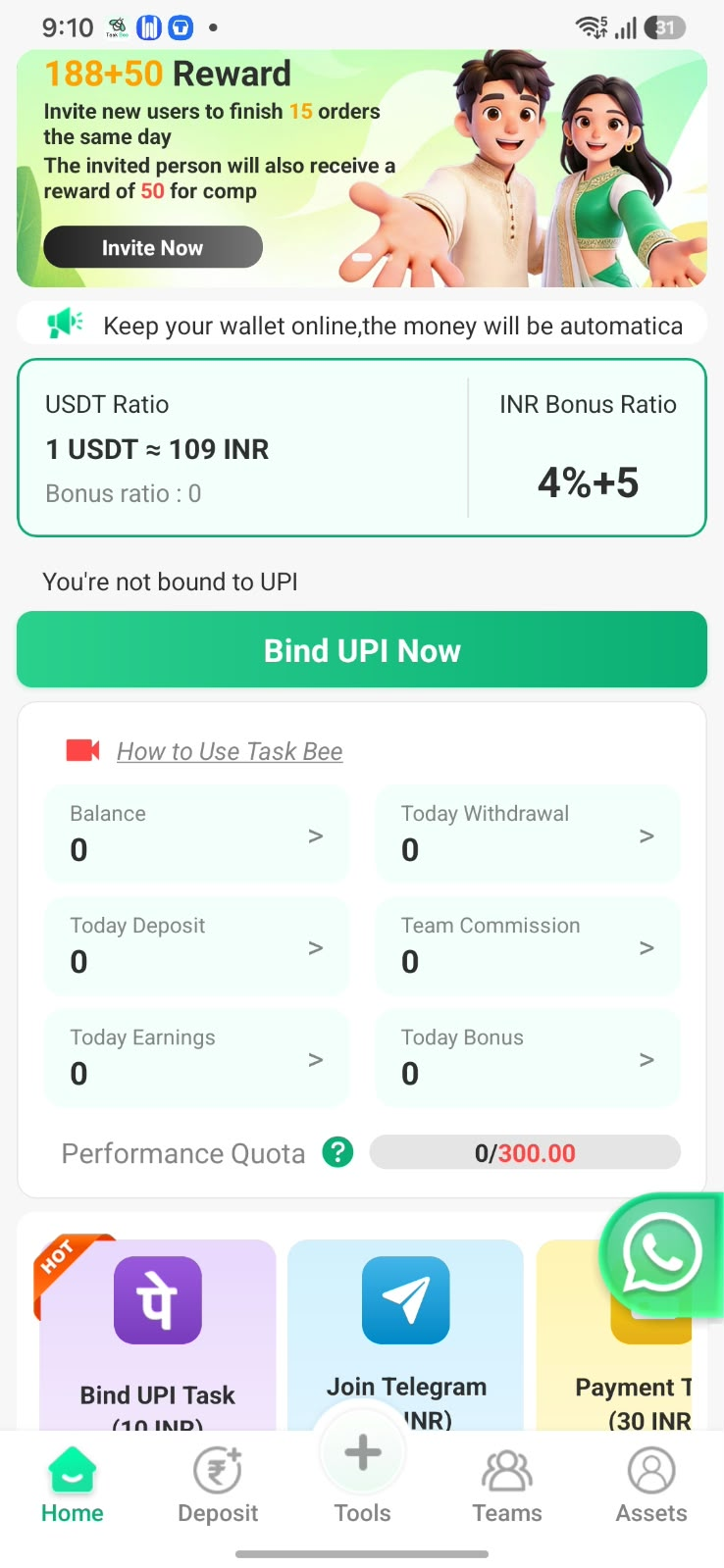
View your balance, today's deposits, withdrawals, earnings and bonus in one place.
MEET TASKBEE MADE FOR ANDROID
Explore TaskBee for Android: task shortcuts, INR & USDT options, and an overview of your account. Preview the app below, then open its download page.
Simple to explore.
Everything starts with a little buzz.
₹109 / USDT
4% + ₹5 activity
1.0.7 / Android
01 — INSIDE THE APP
A closer look at the screens and features available in TaskBee.
Actual app screens. Availability and offers can change.
View your balance, today's deposits, withdrawals, earnings and bonus in one place.
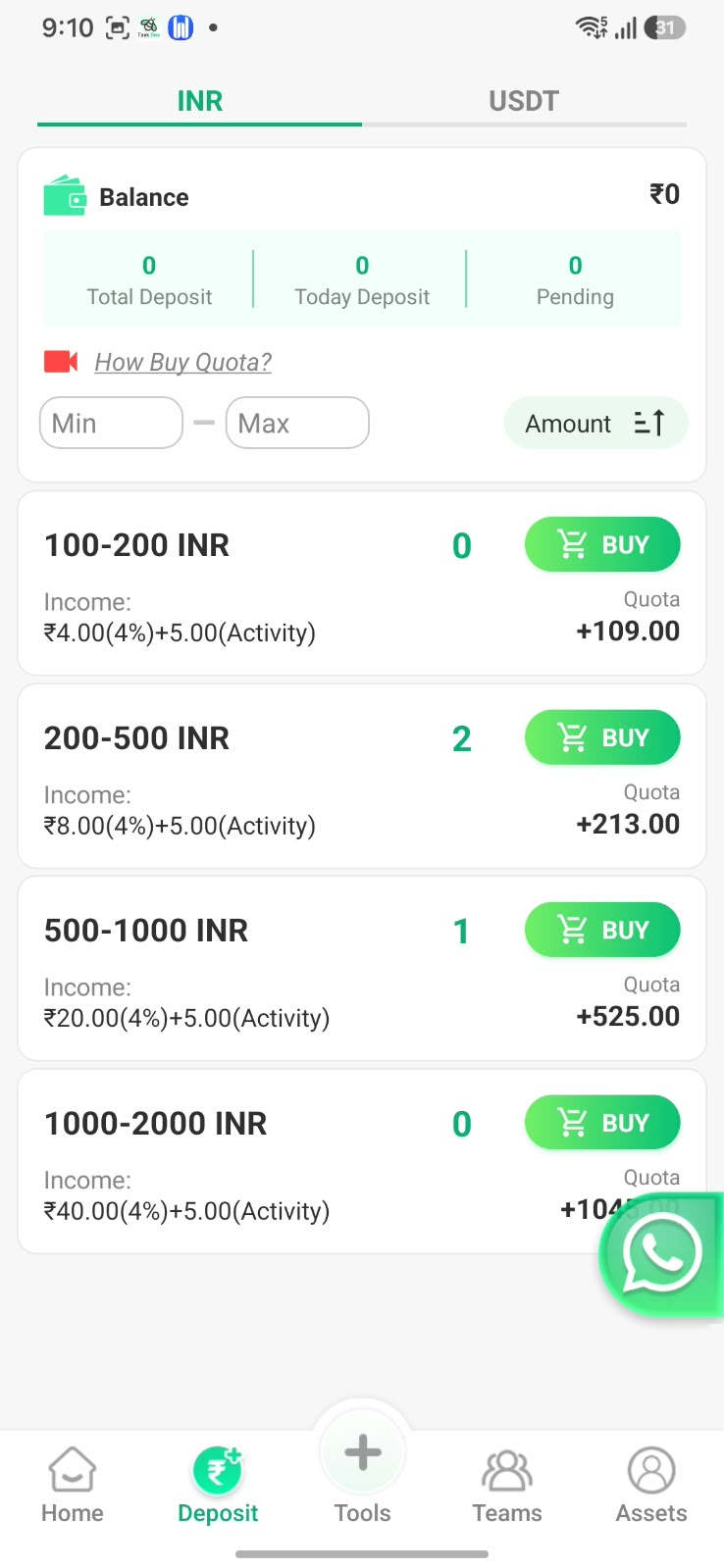
Switch between the INR and USDT tabs. The INR screen includes amount filters and quota listings.
Explore the app's task shortcuts, bonus section and team commission overview. Check eligibility inside the app.
The Assets section brings together deposit, withdrawal, bonus and bill history options.
02 — KNOW THE NUMBERS
A quick conversion using the reference rate shared for this page. Enter an amount and see its INR equivalent.
Calculation only. Excludes fees and bonuses; the final in-app rate may differ.
03 — YOUR NEXT STEP
Tap “Download for Android” to open the TaskBee share page and follow its download instructions.
Open TaskBee and follow the instructions shown in the app. Review its permissions and account requirements.
Browse the Home, Deposit, Tools, Teams and Assets sections. Check the rate and terms before any transaction.
Supplied app: Task Bee 1.0.7 · Android 6.0 or later
A FEW THINGS TO KNOW
Before you get started.
It opens the TaskBee share link supplied for this page in a new tab. Follow the instructions there to get the app.
The reference rate is 1 USDT ≈ ₹109, as supplied and shown in the app screenshot. It is not a live market feed. Confirm the applicable rate in TaskBee before proceeding.
The supplied INR screen shows a 4% income component plus ₹5 labelled “Activity”. Availability, qualifying orders and final credit depend on the app's current terms. This is not a guaranteed return.
The supplied Android app is version 1.0.7 and declares Android 6.0 or later as its minimum requirement. Device compatibility and the latest version should be checked on the download page.
Visit the linked @real_ukpay Telegram channel for updates. This website is an independent promotional guide.
MEET YOUR NEXT LITTLE BUZZ
TaskBee share link · Android app